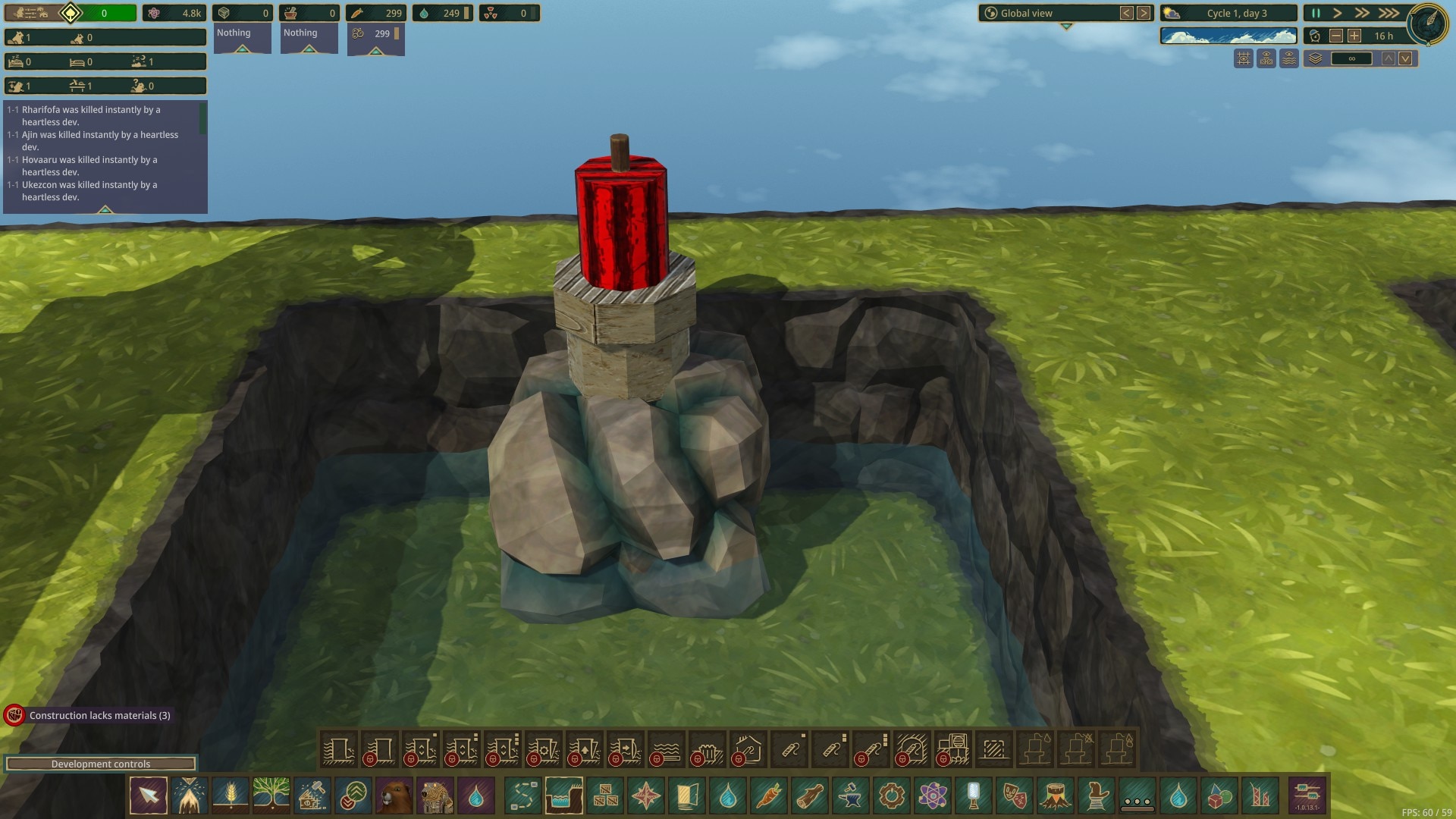
I made and update 2 mods for the game Timberborn. They are
The way the update works is to open unity hub, then open the project. Then in Steam, switch the branch to the latest experimental, noting its number and letting it download.
Back in the project, click Timberborn -> Import DLLs and Assets. Let it sync with the new files.
Then click Timberborn -> Show Mod Builder and in the window, enter the compatibility version and select the mods to build.
Build the mods, and copy the version-** folder into the existing mod directory. For me this is at /home/collin/Games/SteamLibrary/steamapps/compatdata/1062090/pfx/drive_c/users/steamuser/Documents/Timberborn/Mods
Run the game, see what crashes, fix it.
Logs locations
/home/collin/Games/SteamLibrary/steamapps/compatdata/1062090/pfx/drive_c/users/steamuser/Documents/Timberborn/Error reports/home/collin/Games/SteamLibrary/steamapps/compatdata/1062090/pfx/drive_c/users/steamuser/AppData/LocalLow/Mechanistry/Timberborn
When done, publish to workshop through the game, remember to tick the new version its compatible with.
Update github!
Comments
Log in to add a comment.